Forums on Intune, SCCM, and Windows 11

Welcome to the forums. Register a free account today to become a member! Once signed in, you'll be able to participate on this site by adding your topics and posts, as well as connect with other members through your own private inbox!

SOLVED Enable Third Party Updates not displayed in Console

Status
Not open for further replies.

scheebze

New Member
Messages
3
Reaction score
1
Points
3
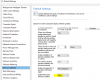
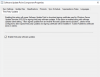
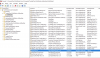
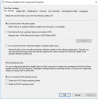
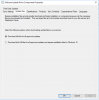
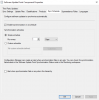
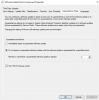
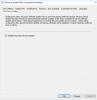
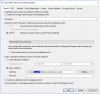
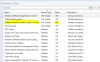
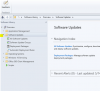
I have been racking my head on this for weeks. Currently in 1802 with all hotfixes installed. Followed dozens of guides to enable the Pre-release "Enable third party updates on clients" feature. After everything is enabled per the guides, feature does not show up under Software Updates. This is a test lab build still on trial license. I built side by side production to test prior to implementation in production. The software update point component properties do not show any configuration items for Certificates either. Also WSUS is not within local computer certificate store but the cert is installed in Trusted Root Certificates and Personal..
1905
1906
1907
1908
1909
 
Closed the console and reopened multiple times. Rebooted both the App and DB servers. Still no luck. Should I remove the Site System Role and re-add it?

1915
1916
1917
1918
1919
1921
 
Status
Not open for further replies.

Forum statistics

Threads
7,165
Messages
27,967
Members
18,271
Latest member
prashantrm

Trending content

Back
Top