

AgentDP
Member
- Messages
- 11
- Reaction score
- 2
- Points
- 3
Hi there,
first of all I installed updates to the Configuration Manager: 2006 and KB4578605.
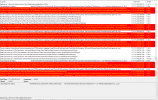
After the successful update installation, the clients has problems to download windows updates - it stucks at 0%
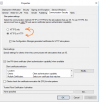
So I tested a few adjustments and I think this option triggered the issue with the software center.
After this adjustment the software center on all clients cannot load:

And changeing this option to the old option don't fix that issue.
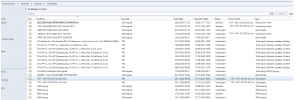
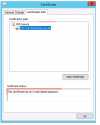
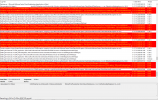
So I noticed, that the PKI certificates are invalid?!
How can I resolve this issue? Thanks a lot!
first of all I installed updates to the Configuration Manager: 2006 and KB4578605.
After the successful update installation, the clients has problems to download windows updates - it stucks at 0%
So I tested a few adjustments and I think this option triggered the issue with the software center.
After this adjustment the software center on all clients cannot load:
And changeing this option to the old option don't fix that issue.
So I noticed, that the PKI certificates are invalid?!
How can I resolve this issue? Thanks a lot!
Attachments
Last edited:
