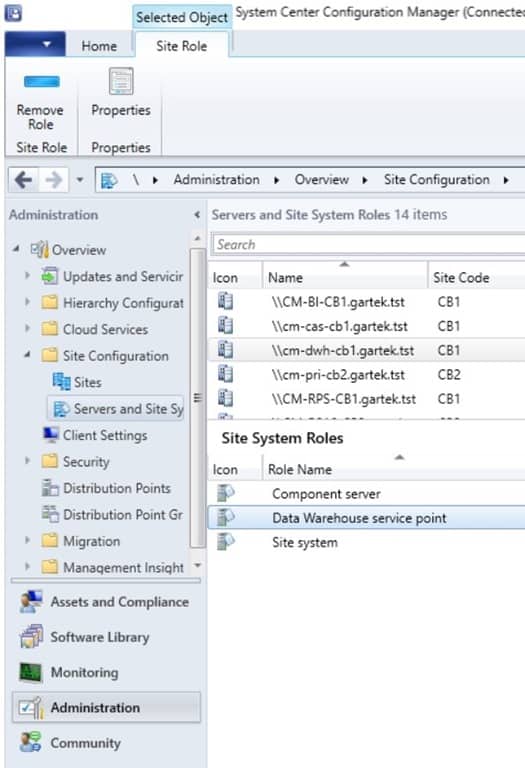
We have the issue, that clients disappear, when they are longer than a unknown amount of time off the internal network. (I guess its about 270 days, which was the time in "Delete Inactive Client Discovery Data" we disabled). We realised it with the bigger amount of homeoffice within the last years.
We disabled the obvious maintenance tasks, we do not discover Active Directory (because it is inappropriate).
Our workflow is different: all devices are setup by SCCM and during setup they get the agent installed. No discovery, no push installation.
Is there a maintenance task we did not see? Is there an automatism, that is not in the maintenance tasks, we do not see? Is there a log file, where we can see, when and why a device is deleted in SCCM? Are there any registry entries on the SCCM Server, we might check? Any othter ideas?
Thanks a lot for any help.
KHLuz
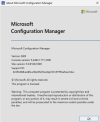
We are at the current branch latest version 2403.
I added some screenshots of our configuration and the disabled maintenance tasks.


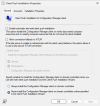
We disabled the obvious maintenance tasks, we do not discover Active Directory (because it is inappropriate).
Our workflow is different: all devices are setup by SCCM and during setup they get the agent installed. No discovery, no push installation.
Is there a maintenance task we did not see? Is there an automatism, that is not in the maintenance tasks, we do not see? Is there a log file, where we can see, when and why a device is deleted in SCCM? Are there any registry entries on the SCCM Server, we might check? Any othter ideas?
Thanks a lot for any help.
KHLuz
We are at the current branch latest version 2403.
I added some screenshots of our configuration and the disabled maintenance tasks.