Hi all, I spent agents on google and other forums, still can't get this to work.
The software is called Smoothwall Safeguarding Client, this is how it appears in control panel.

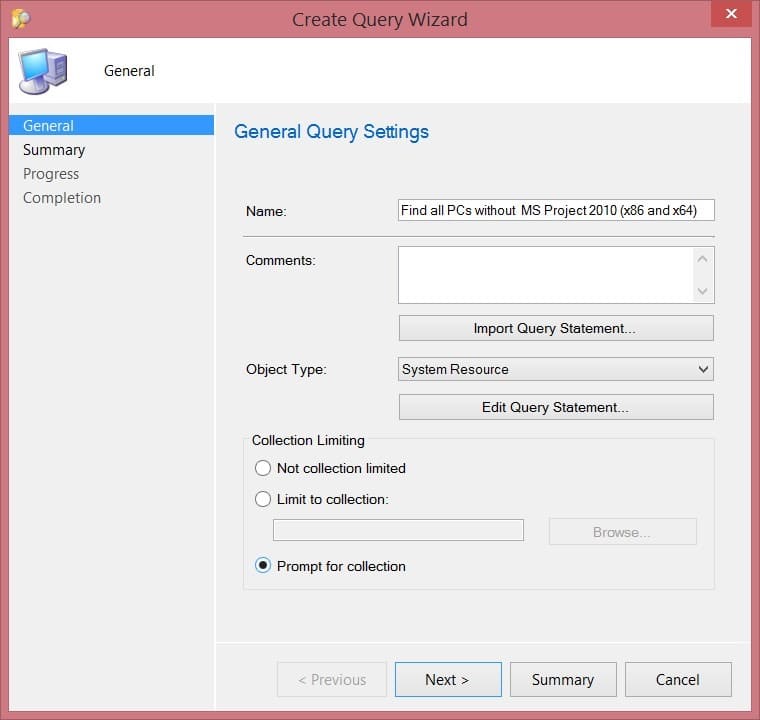
The script in SCCM is:
select SMS_R_SYSTEM.ResourceID,SMS_R_SYSTEM.ResourceType,SMS_R_SYSTEM.Name,SMS_R_SYSTEM.SMSUniqueIdentifier,SMS_R_SYSTEM.ResourceDomainORWorkgroup,SMS_R_SYSTEM.Client from SMS_R_System inner join SMS_G_System_ADD_REMOVE_PROGRAMS_64 on SMS_G_System_ADD_REMOVE_PROGRAMS_64.ResourceID = SMS_R_System.ResourceId where SMS_G_System_ADD_REMOVE_PROGRAMS_64.DisplayName != "Smoothwall Safeguarding Client"
I have tried with and without the % in the name of the app. The collection seems to bring up all my machines whether its Like or Not Like.
Any ideas?!
What I am trying to achieve is the ability to work out which machines don't have the software so we can troubleshoot them. Thanks!
The software is called Smoothwall Safeguarding Client, this is how it appears in control panel.
The script in SCCM is:
select SMS_R_SYSTEM.ResourceID,SMS_R_SYSTEM.ResourceType,SMS_R_SYSTEM.Name,SMS_R_SYSTEM.SMSUniqueIdentifier,SMS_R_SYSTEM.ResourceDomainORWorkgroup,SMS_R_SYSTEM.Client from SMS_R_System inner join SMS_G_System_ADD_REMOVE_PROGRAMS_64 on SMS_G_System_ADD_REMOVE_PROGRAMS_64.ResourceID = SMS_R_System.ResourceId where SMS_G_System_ADD_REMOVE_PROGRAMS_64.DisplayName != "Smoothwall Safeguarding Client"
I have tried with and without the % in the name of the app. The collection seems to bring up all my machines whether its Like or Not Like.
Any ideas?!
What I am trying to achieve is the ability to work out which machines don't have the software so we can troubleshoot them. Thanks!