Lukas Novy
Member
- Messages
- 12
- Solutions
- 1
- Reaction score
- 0
- Points
- 1
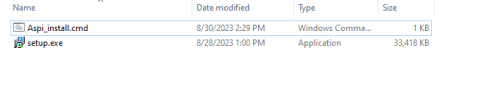
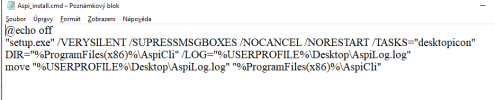
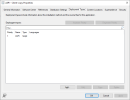
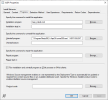
Hello, I would need to create application by cmd script. I created cmd file where I have commands - you can view it at screen below. At installation program field I have name of cmd file.
It doesn´t work. I get errror prompt - "The software could not be found on any of the servers now". Distribution point group are allright. I checked status of distribution another application.
I tested cmd file in computer locally and It worked. Where can be problem? What is correct syntax of typing script installer in sccm? I didn´t find any guide for it.
Thank you for help.
It doesn´t work. I get errror prompt - "The software could not be found on any of the servers now". Distribution point group are allright. I checked status of distribution another application.
I tested cmd file in computer locally and It worked. Where can be problem? What is correct syntax of typing script installer in sccm? I didn´t find any guide for it.
Thank you for help.