

athornfam2
New Member
- Messages
- 3
- Reaction score
- 0
- Points
- 1
Hi all,
I'm attempting to add Mac clients specifically to our SCCM environment but I'm getting an Error: Enrollment error (0x8018002a). When I try to Term install/connect to SCCM I get this error as well SSL Connection failed.
I followed the guide that Prajwal created for steps 3 and above since we already have an actively running environment... still struggling a little bit.
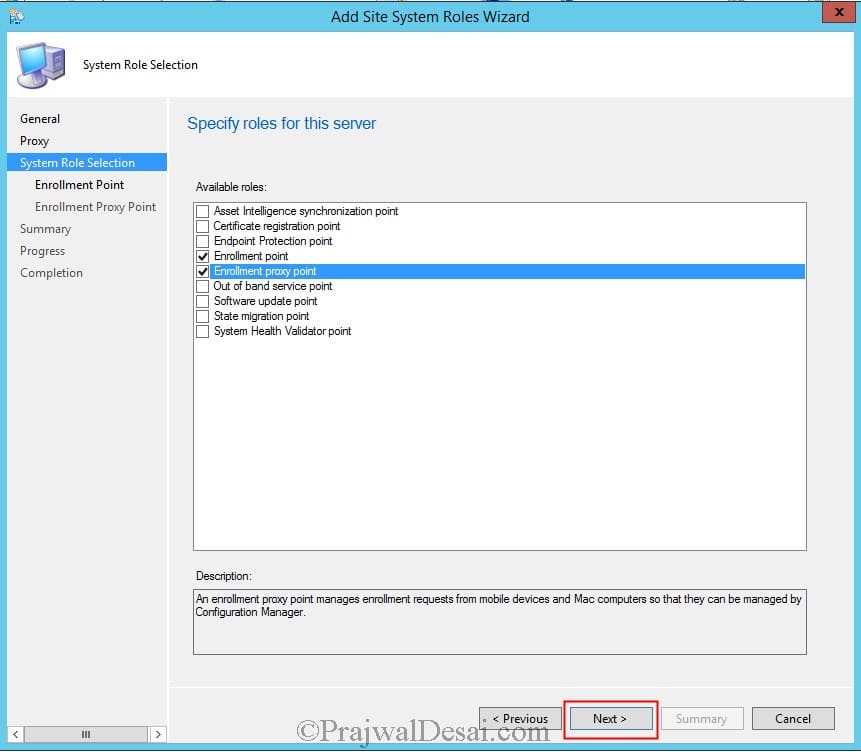
 www.prajwaldesai.com
I'm attempting to add Mac clients specifically to our SCCM environment but I'm getting an Error: Enrollment error (0x8018002a). When I try to Term install/connect to SCCM I get this error as well SSL Connection failed.
Code:
COMPUTERNAME-iMac:tools DOMAIN USERf$ sudo ./CMEnroll -s sccm01.nycsd.northernyork.org -ignorecertchainvalidation -u ‘DOMAIN USER’
Password:

Please enter your password.

System Center Configuration Manager Client for Mac OS X
Version: 5.00.9000.1002
Copyright 2013 Microsoft Corporation


 Contacting Server: https://sccm01.xxxx.xxxxxxxxx.com/EnrollmentServer/DeviceEnrollmentWebService.svc

Using username: ‘DOMAIN USER’

 SSL Connection failed. HTTP Response code is 404 and reason is Not Found

Unknown Error from server
I followed the guide that Prajwal created for steps 3 and above since we already have an actively running environment... still struggling a little bit.
How to install SCCM client agent on Mac Computers
How to install SCCM client agent on Mac Computers,Manage mac computers using SCCM 2012 R2, deploy configuration manager client agent for Mac
www.prajwaldesai.com


